Address Book
With the Workcube Address Book screen, the address information of company employees, individual members, and corporate members is recorded in the system.
Path: Intranet > MyPortal > Contact > Address Book
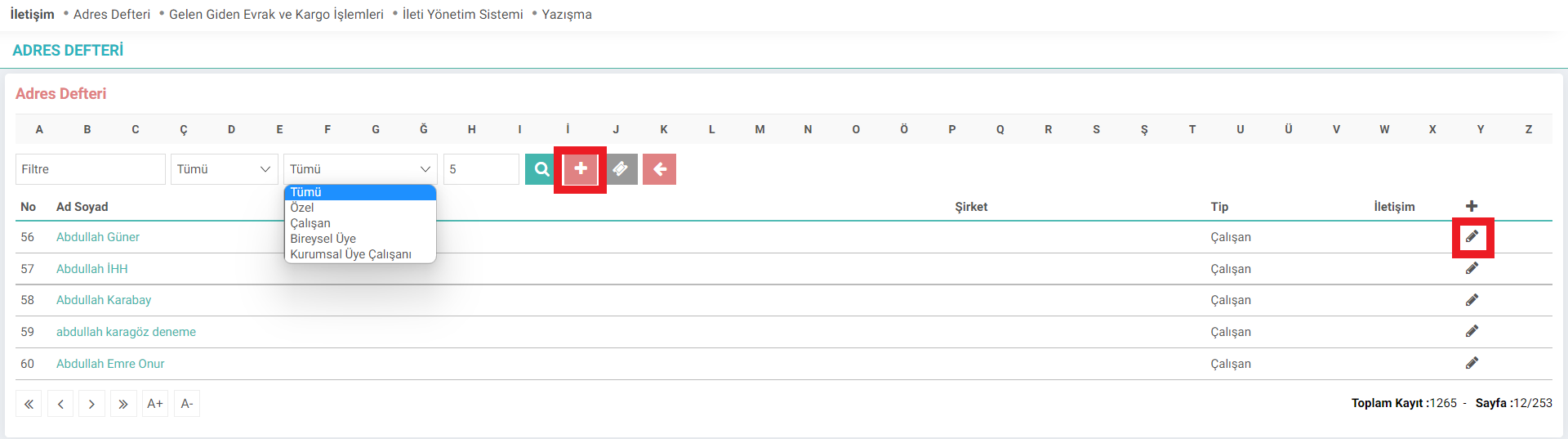
Searching can be done by grouping the address information defined in the filtering options on the listing screen. For example; Label templates can be seen with the Employee Label button.
If e-mail information or telephone number is entered while entering the address information, an e-mail or telephone icon will appear on the relevant line. When you click on the icon, you will go to your e-mail address. When the phone icon is clicked, a call can be made if a virtual phone connection has been made.
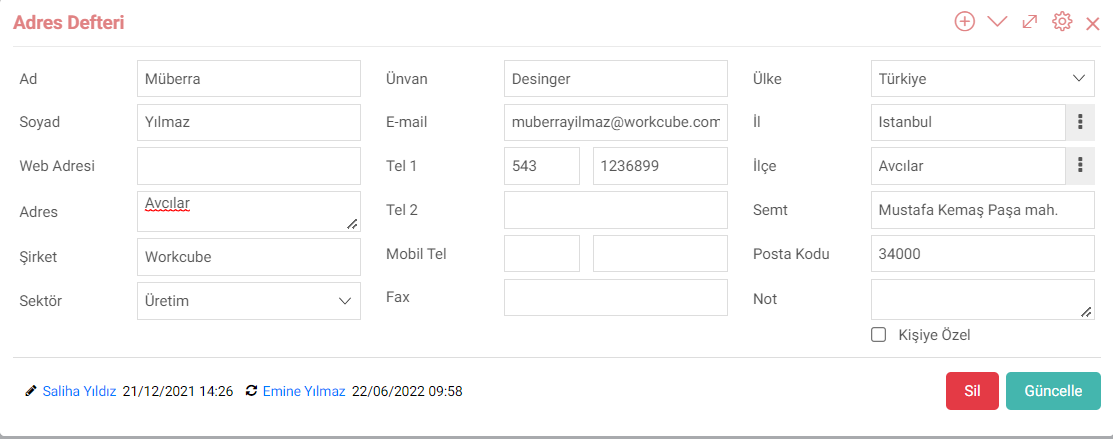
Address details can be updated. The province, district and sector definitions here come from the parameters. In other fields, information is entered manually. If this information is personal information, that is, it does not belong to an institution, the "Personalized" box is checked.