Education
There is an education section within the intranet. From here the user can access the training curriculum, contents, classes, lessons, exams and control panel. It is used to provide in-house training. In-house training is of great importance for the business to reveal its core values and to train its employees accordingly. It is important for the orientation of new employees as well as the employees currently in the organization. A weak and non-holistic training approach causes both deviation from the main values and failure of the orientation of new employees.
There are basically two sides in the Workcube Training module; Those who provide/manage this training and those who receive the training.
Employees receive their training as self-service in the Training section within the intranet. They participate in classes and lectures, consume content prepared within the curriculum, and as a result, take exams to measure whether they have achieved success from these trainings.
The party managing the training aims to train employees as a result of these activities, ensure that they understand the values of the institution, and ensure that employees continue their jobs in order to work in a profile suitable for the institution.
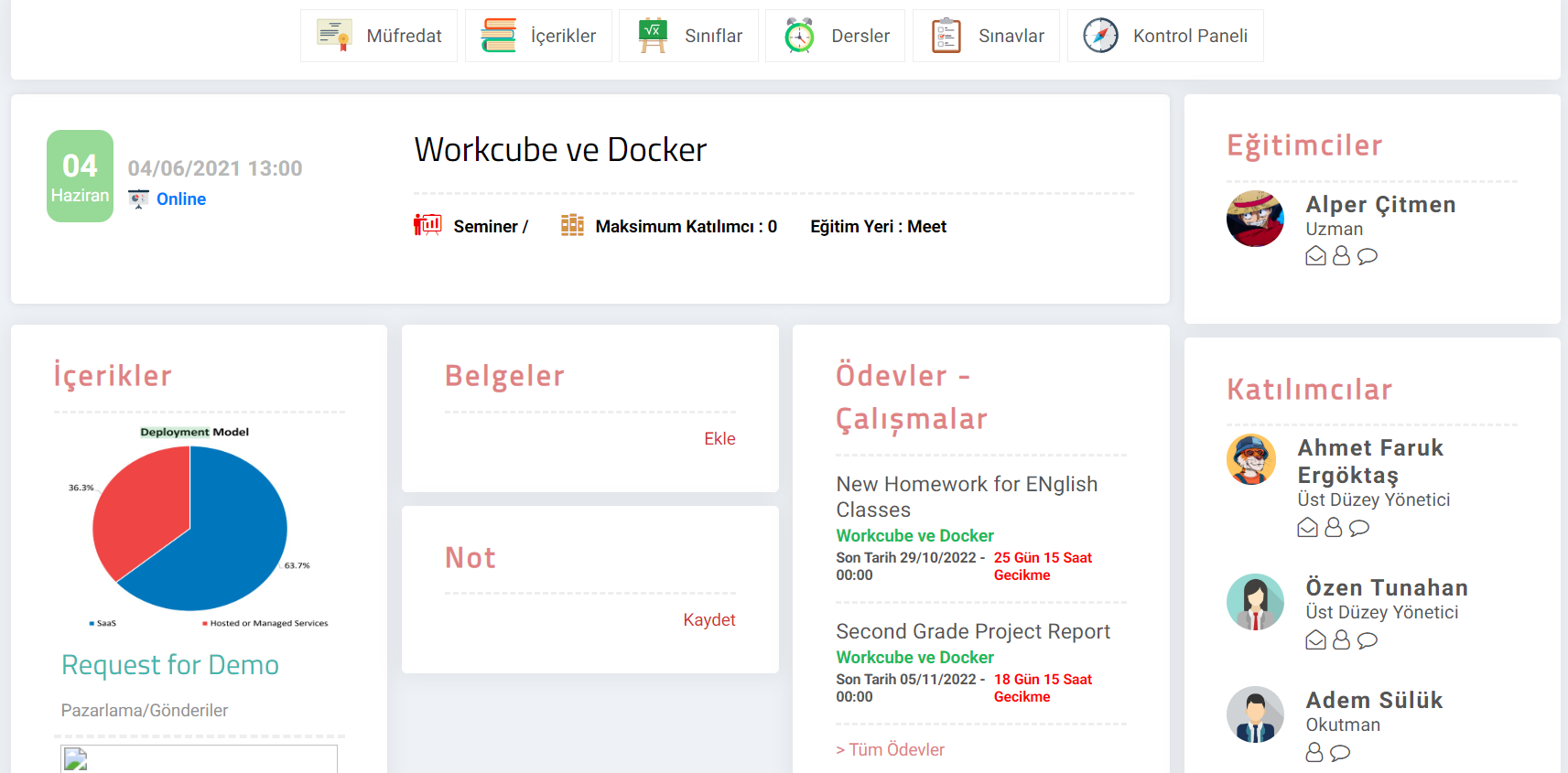
TrainingFunctions
- Accessing all training content from a single screen
- Curriculum management
- Setting up class participants
- Orientation for New Employees
- Training tracking via the agenda
- Preparation and presentation of educational content
- Ability to communicate with educators and students thanks to Chatflow
- Ability to prepare and solve tests to help learning
In order to perform operations in the education module, you must be authorized in the module, processes and transaction categories.
Authorization Groups
Control Panel > System > Security > Authorization Groups
In order to perform operations in the Training module, the user must first have authority to the Training Module under the LMS in the Authorization Group to which he belongs. If the user needs to see the Training-related reports in the Standard Reports outside the module, the Report User box should also be checked.
Hint: For detailed information about Authorizations, you can review the Authorization Groups document.
Before Use First
- General settings are checked.
- Parameters are entered.
- Authorities are granted.
- Module Authorizations
- Company Authorizations
- Fiscal Year - Period Authorizations
- Branch Authorizations
- XML settings are made.
is_show_lang_content Eğitim Diline Göre İçerikleri Göster