My Information
With the My Information module, employees can view their positions, roles, job descriptions and goals within the organization. They can also record personal information such as education, transportation, experience or identity. In order to make changes in this area, the user's permissions must be defined.
There are 4 functions under the My Information module. These are My Position, My Information, My Resume, Warnings and Approval pages. Now let's examine these pages one by one.
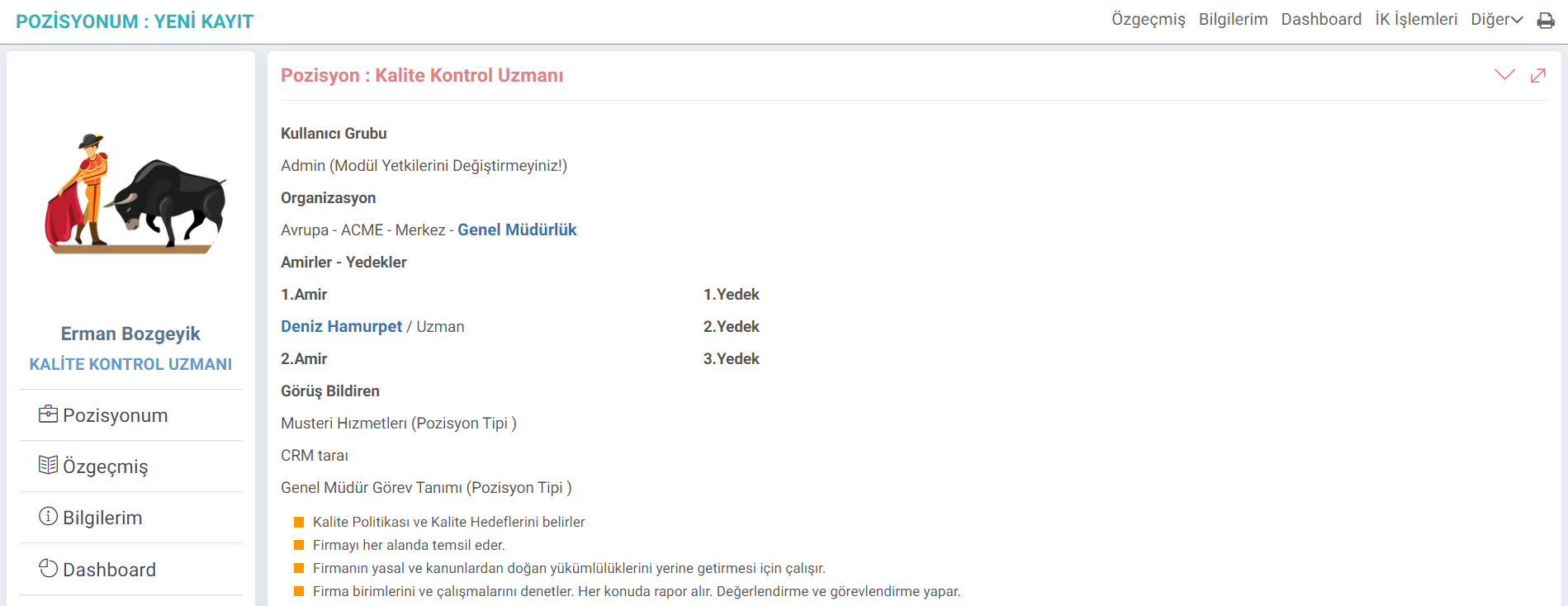
My Position
All details about the user's position are located here. The user's authority group, organization, superiors - substitutes, job definitions and work group information are displayed on this page.
In the Roles - Positions detail, job descriptions can be entered under the other tab at the top right. These definitions appear on the My Position screen for users who are position-dependent.
Note: To access details about the use of this page, the article titled "Roles - Positions" can be read.
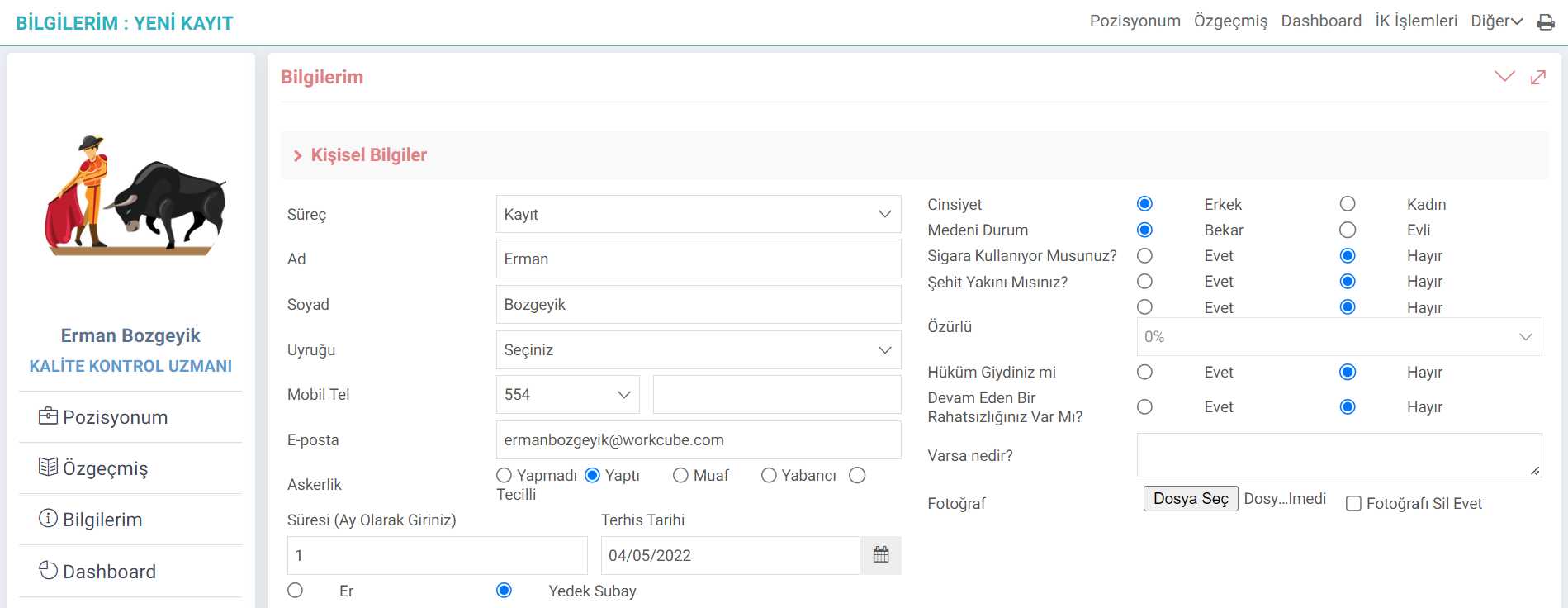
My Information
Through this page, user personal information He can add detailed information, identity information, contact - reference information, social accounts, reference information, employee relatives, work experience, school information, languages he knows, biography and personal information from this area.
The user can add the information here himself, thus significantly reducing the workload of the HR department.
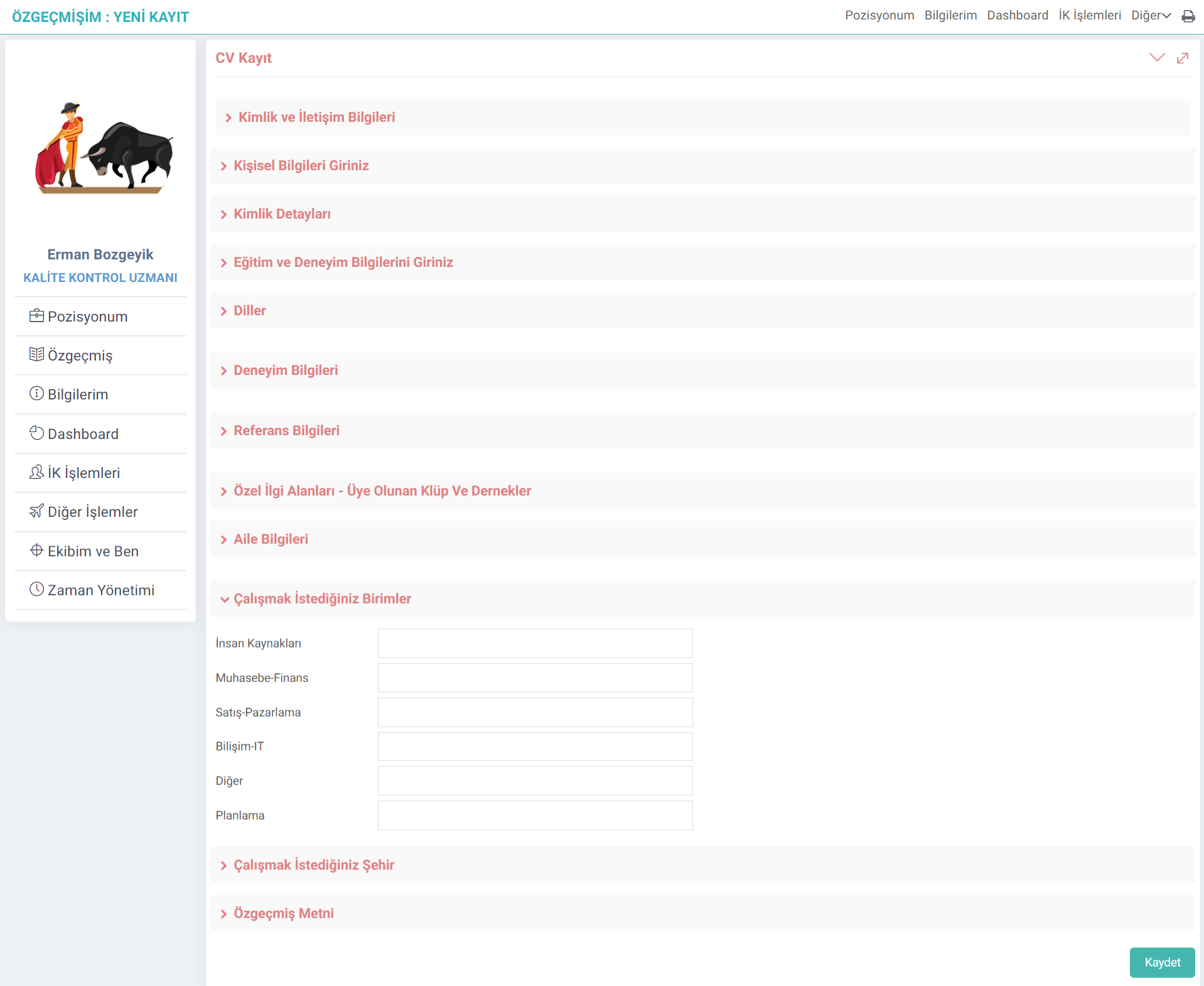
My CV
The information provided here is similar to the my information screen. Only; The Units and Cities you want to work in fields vary.
Note: You can get information about the HR Recruitment module by reading the article titled "Resume".
My Warnings and Approvals
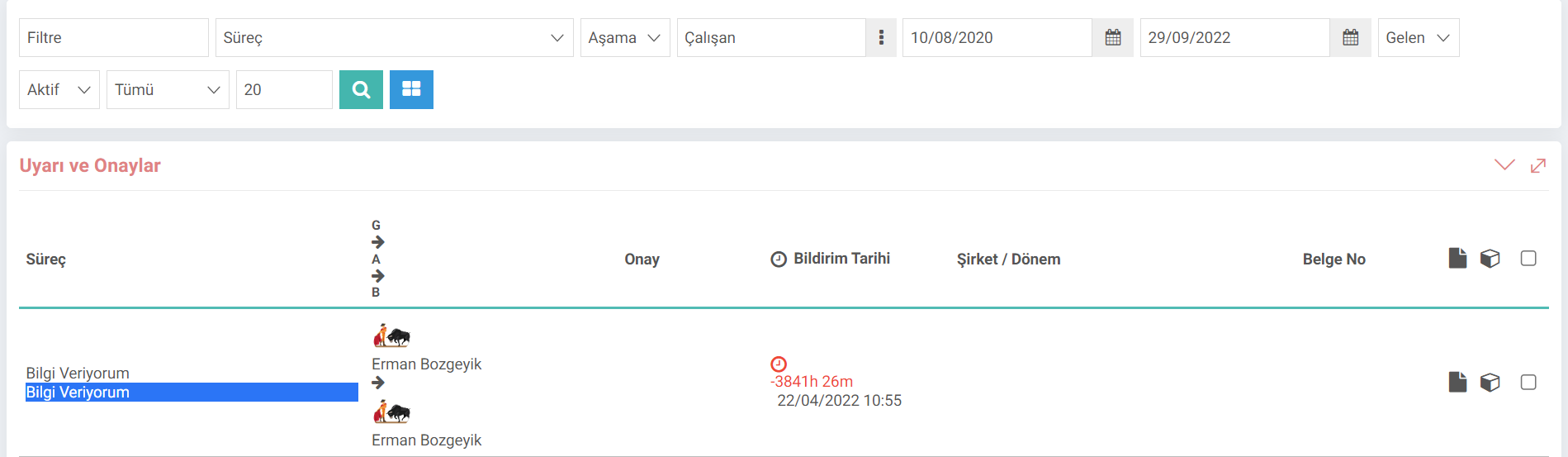
My Warnings and Approvals
My Warnings and Approvals From the page, the user can view the warnings and approvals sent to him/her through the processes. If there is a transaction that needs to be approved, the user can approve or reject the transaction here.
Type: To better understand the operation here, the article titled "Warnings and Approvals" should be read.
is_yetki_sorumluluk_detay Yetki ve Sorumluluklar Madde Halinde Gelsin